 AgenticNFT.ai
Learn
What is a ChatGPT Pet?
- It is a visual indicator and mini dashboard, not a separate AI.
- It changes animation or expression to show what ChatGPT is doing, such as running a task, waiting for you, or finished.
- You can use a built-in character, such as Stacky, CD, or Fireball, or make your own.
- It sits in a floating picture-in-picture window on your desktop, or inside supported work chats on the web.
What does it do?
- Tracks the task. You can see at a glance if a long AI job is running, ready, blocked, or waiting for you.
- Cuts down app switching. Click the pet, or use a short prompt, to reply without opening the full chat.
- Shortcuts. On desktop, a keyboard shortcut or
/petshows, hides, or talks to the companion.
Can you have more than one pet?
- One on screen. Only one pet is active in your workspace at a time.
- A library. You can save several built-in and custom pets, then swap which one is active.
Musegod sheet
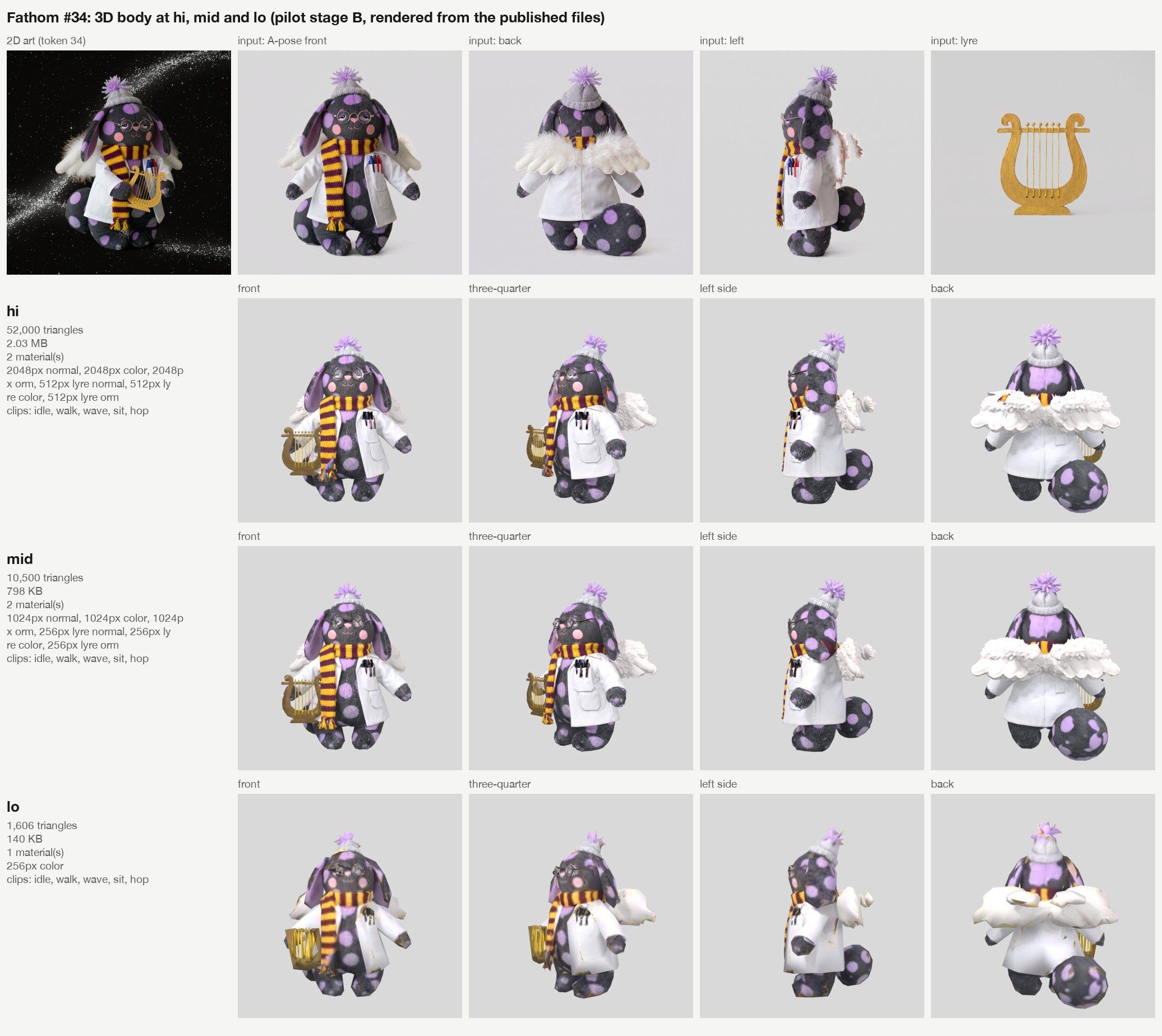
Musegod is building this. The sheet below is an example of what can be used to build your own ChatGPT pet: Fathom #34, token 34, at high, mid, and low detail.
The pet in action
The same Fathom body, moving: a wave, then a small hop.